
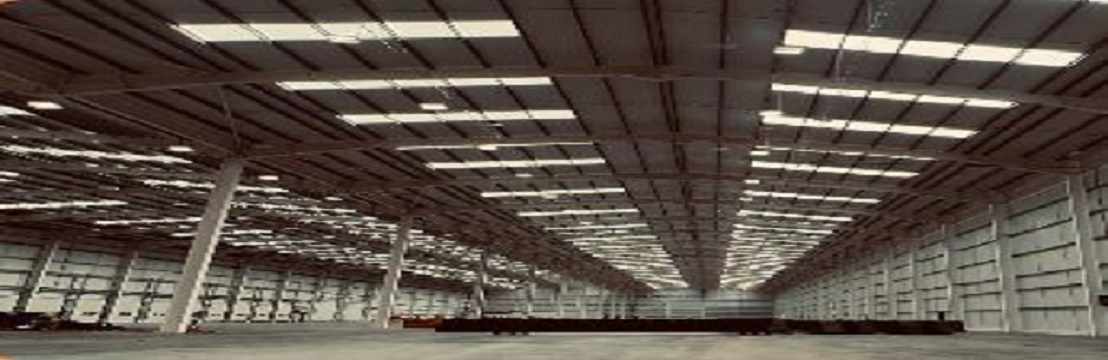
UK manufactured LED highbay lighting is transforming the way commercial and industrial spaces are illuminated, combining superior build quality with intelligent performance. Designed to meet the demanding requirements of warehouses, factories, and large retail environments, these advanced fixtures deliver powerful illumination while reducing energy consumption and operational costs.
Smart lighting technology further enhances efficiency by enabling automated control, real-time monitoring, and seamless adaptability to changing work conditions. Sommet 2 from Allumer, a smart LED highbay, exemplifies this innovation with its high output, precision optics, and integrated smart controls, offering reliable, future-ready lighting tailored for modern commercial spaces.
What Makes Sommet 2 an Ideal Choice for Commercial and Industrial Spaces?
The Sommet2 is an LED highbay that delivers a great value in efficiency, safety and sustainability.
· The lighting range comes with precision optics to maximise functional light, reducing glare and wasted energy, achieving exceptional lumens per watt.
· They come with integrated smart controls, making them an ideal choice.
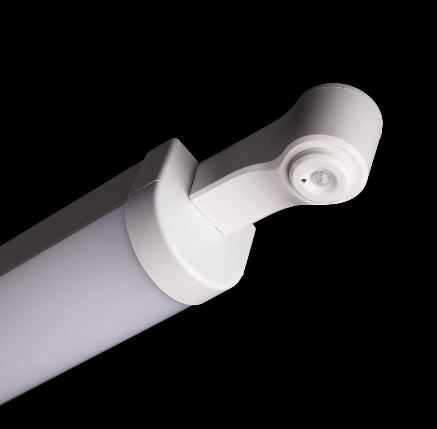
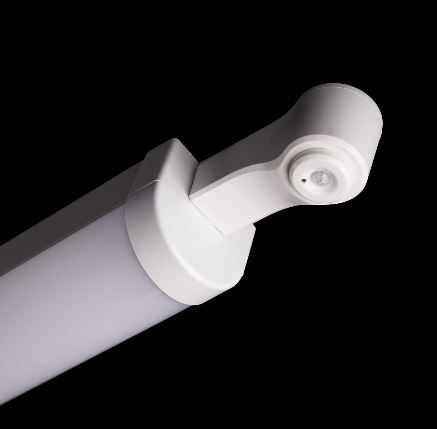
· The smart controls include occupancy sensing, daylight harvesting, and IoT compatibility, helpful in supporting adaptive operation, lower energy use, and long-term flexibility
· Sommet2 offers a 100,000-hour service life with IP65-rated optics for protection in all environments.
· Glare-free, uniform illumination and high CRI support safe, accurate task performance, which are the added features to reduce downtime and maintenance costs.
The UK manufactured LED highbay lighting comes with a modular upgrade path to reduce maintenance cost and downtime. Compliance-ready emergency options with market-leading warranties add confidence, and the sustainable design supports ESG reporting and green building certifications.
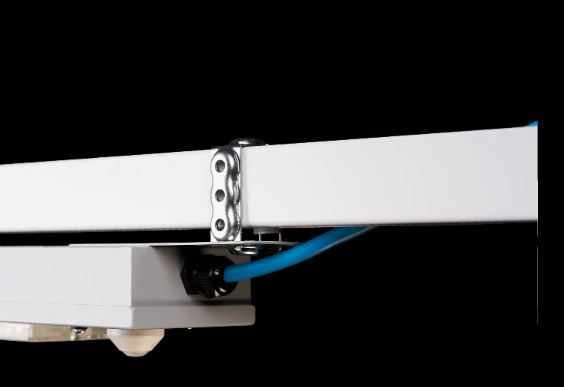
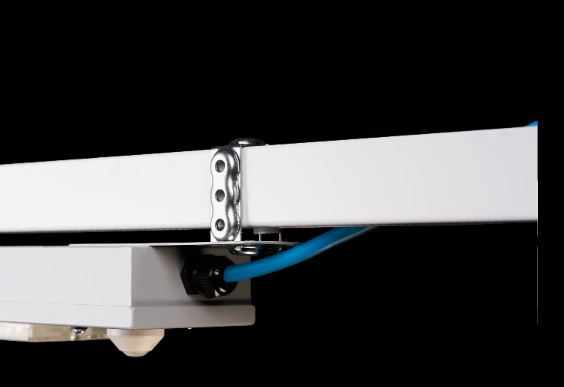
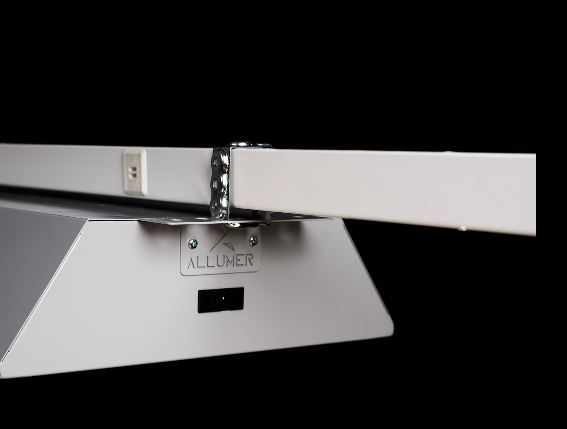
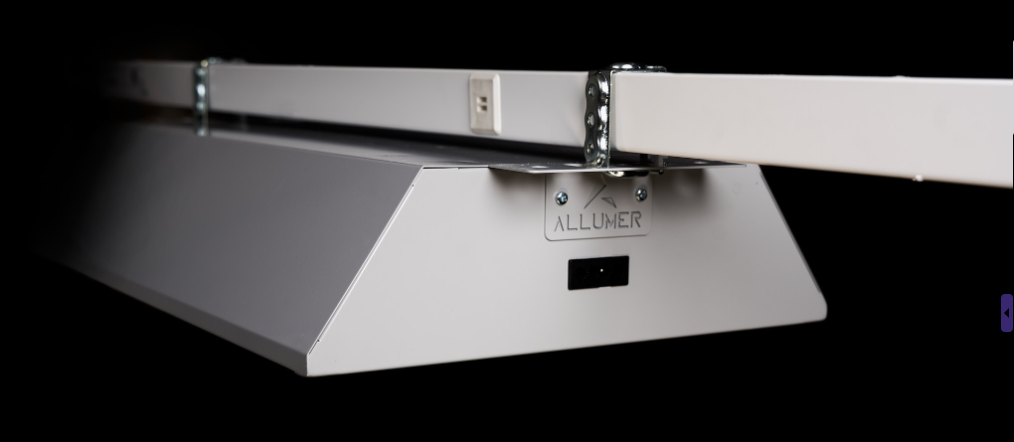
Whether you’re retrofitting an existing space or incorporating it into new construction projects, the UK-manufactured LED highbay is engineered for straightforward installation.


Write a comment ...